SEO
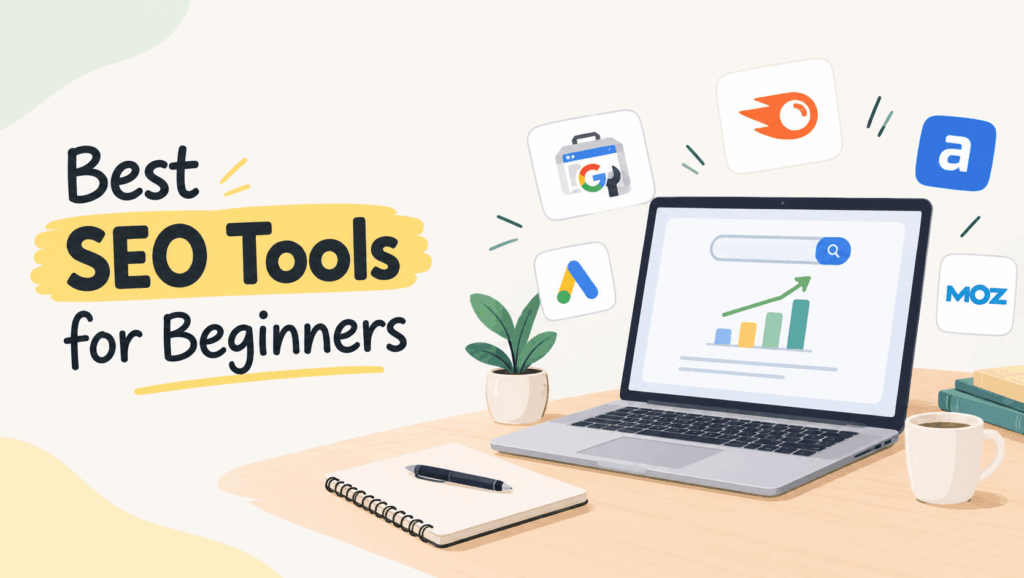
Best SEO Tools for Beginners to Boost Rankings
Search engine optimization, or SEO, refers to techniques used to boost website search engine rankings and drive traffic organically. For beginners, knowing which tools to use to identify keywords, study rival businesses, find site errors, and monitor position performance can make all the difference.
Fortunately, you do not need an elaborate membership plan to get started. Most SEO tools include free features or plans that will come in handy to beginners.
This article will focus on the most popular SEO tools suitable for newcomers in terms of advantages, drawbacks, and performance features.
8 Best SEO Tools for Beginners to Grow Your Website
SEO software is a form of technology that can assist in performing tasks including keyword analysis, site audit, link research, rivals review, and performance monitoring. Certain software are designed to handle only one specific task while others are intended to perform several functions at once.
The following is a list of suitable SEO applications for beginners who need to upgrade their websites.
1. Google Search Console
Best for: Tracking website performance
The Google Search Console is a free tool that provides knowledge about your website’s performance in Google Search. The tool shows you the search terms that drive visitors to your website and their pages’ positions in the search results. It also serves as a good way to figure out how to find indexing problems and submit the sitemap for Google.
Pros
- Completely free to use.
- Shows clicks, impressions, and average search position.
- Helps identify indexing and website performance issues.
Cons
- Requires website ownership verification.
- Does not provide extensive competitor keyword research.
- Some reports may take time to reflect recent changes.
2. Google Keyword Planner
Best for: Keyword research
Google Keyword Planner shows various keywords related to the subject of your business/blog. Google Keyword Planner gives you information about the estimated number of searches for the keywords and the level of competition in advertising for the keyword. One more thing is that you have to have an account in Google Ads to reach it because it may provide users with the numbers in a range.
Pros
- Free to access with a Google Ads account.
- Provides keyword suggestions and search demand estimates.
- Useful for finding relevant topics for blog posts.
Cons
- Primarily designed for Google Ads campaigns.
- Search volume data may be shown in broad ranges.
- Does not provide a complete SEO difficulty analysis.
3. Google Trends
Best for: Finding trending topics
Google Trends gives you insight into how the interest for a particular keyword fluctuates over time. From the tool, you can compare various search terms, find trending topics, and measure the interest of people based on country and region. Bloggers can make good use of this tool when they wish to create content that is timely and relevant.
Pros
- Free and easy to use.
- Helps identify seasonal topics and emerging trends.
- Allows comparison between different search terms.
Cons
- Shows relative search interest rather than exact search volume.
- Some niche keywords may have insufficient data.
- Does not provide comprehensive backlink or technical SEO analysis.
Also Read: What Is SEO and How Does It Work?
4. Google Analytics 4
Best for: Understanding website traffic
Google Analytics 4 (GA4) allows for uncovering how different people behave on a given website. It helps track website traffic, user engagement, crucial events, and conversions. There is a possibility of beginners using GA4 together with Google Search Console to examine how visitors behave after coming to the site.
Pros
- Free to use for most website owners.
- Helps measure organic traffic and user engagement.
- Provides insights into popular pages and conversions.
Cons
- The interface can feel complicated for beginners.
- Requires proper setup for accurate tracking.
- Does not focus on keyword research or competitor analysis.
5. Ahrefs Webmaster Tools
Best for: Website audits and backlinks
Ahrefs Webmaster Tools provides webmasters with a possibility to analyze the SEO health and backlinks of their websites. This tool allows the users to detect various technical issues, dead links, and anything else that can hinder the search performance.
Pros
- Provides useful website audit reports.
- Helps monitor backlinks pointing to your website.
- Identifies SEO issues that need attention.
Cons
- Free website analysis requires ownership verification.
- Advanced competitor research requires paid access.
- Beginners may need time to understand some SEO metrics.
6. Semrush
Best for: Keyword and competitor research
Semrush offers a variety of tools for search engine optimization (SEO). One of its main features is being a platform for keyword research and monitoring the rankings of targeted keywords. Users can also utilize Semrush for competitor analysis, which will show them the rankings of competitors. The free version of the platform is limited, while a paid package offers more features.
Pros
- Offers several SEO tools in one platform.
- Helps research competitors and keyword opportunities.
- Provides website audit and position-tracking features.
Cons
- Many advanced features require a paid plan.
- The large number of features can overwhelm beginners.
- Free usage has limits.
7. Screaming Frog SEO Spider
Best for: Technical SEO audits
Screaming Frog SEO Spider can help website owners diagnose and repair common technical issues related to SEO. The tool crawls web pages and identifies broken links, errors in the title tags, duplicated meta tags, and redirect problems. The free version of the tool is able to crawl only up to 500 URLs at once.
Pros
- Useful for identifying technical SEO problems.
- Checks titles, meta descriptions, links, and redirects.
- The free version is suitable for many small websites.
Cons
- The desktop interface may be difficult for beginners.
- Larger websites may require a paid license.
- Some findings require technical knowledge to fix.
Also Read: SEO vs SEM
8. Yoast SEO
Best for: On-page SEO for WordPress
Yoast SEO makes it easier for bloggers to optimize their blogs and pages without any additional SEO knowledge. This WordPress plugin helps with the creation of SEO titles and meta descriptions as well as with the internal links and readability of the text
Pros
- Easy to use within the WordPress editor.
- Helps optimize titles, meta descriptions, and content structure.
- Offers readability and basic SEO recommendations.
Cons
- Some features are available only in the premium version.
- Following every recommendation does not guarantee higher rankings.
- It is primarily useful for WordPress websites.
Which SEO Tool Should Beginners Use First?
The best choice depends on what you want to achieve. You do not need to use every tool from the beginning.
| SEO task | Recommended tool |
| Track Google search performance | Google Search Console |
| Find keyword ideas | Google Keyword Planner |
| Discover trending topics | Google Trends |
| Measure website traffic | Google Analytics 4 |
| Check backlinks and SEO issues | Ahrefs Webmaster Tools |
| Research competitors | Semrush |
| Find technical website errors | Screaming Frog SEO Spider |
| Optimize WordPress blog posts | Yoast SEO |
Conclusion
Tools to improve your SEO strategy are helpful for newcomers and can help you have a better understanding of your website. To start with, in order to become acquainted with SEO and improve your website step by step, you might want to try out free tools like Google Analytics, Google Search Console, or Google Keyword Planner.
For blog owners, it makes sense to employ keyword research together with ongoing optimization and monitoring of your content performance. Please remember that while SEO tools provide you with a lot of useful information and valuable tips, good quality content, relevant keywords, pleasant user experience, and permanent optimization are what help you reach long-lasting organic visibility.